Hidden Potions of Solitude
One day while mindlessly jumping around Solitude in Skyrim, I found a health potion on the top of a wall. I thought of the health potion on the ground near the Winking Skeever and wondered if there were other ones around. After some searching, I found a total of six potions. I might have missed some, so if you know of any more, let me know.
InMomentum mini-review
InMomentum, developed by Digital Arrow, has gone through quite a few changes since inception. This game was originally slated to be released as a mod but then went commercial. It also started development on Unreal Development Kit but switched over to Unreal Engine 3.
The gameplay itself is quite simple: you travel from Point A to Point B as fast as possible by jumping and maintaining momentum. Right-click is a regular jump and left-click is for wall jumps and double jumps – you can only double jump if your last jump was a wall jump. There is also a limited slow time function and a projectile shooter for removing blocking walls. There are two game modes for single player. Sphere Hunt requires that you pick up every sphere to finish while Time Trial doesn’t require gathering the spheres, just going through all the checkpoints. Sadly, its tutorial is poor and gives you little idea on how to play the game.
This feels like a game that was made for old school rocket jumpers and bunny hoppers. The sense of speed in this game is really amazing. I think anyone who enjoyed Mirror’s Edge Time Trials would also enjoy it. The most amazing thing for me was that failure wasn’t as frustrating as it is in other games: it was just a chance to repeat and improve. If any of what I have said appeals to you, I highly recommend getting this game.
Happy holidays, everyone! (Except snowmen.)
Man, I miss Calvin and Hobbes… Wonder what Mr. Watterson has been up to lately.
Ragdolls in Spaaaaaace
In Skyrim, the giant has an attack that kills you and sends your ragdoll flying up into the air. It’s often reported as a bug but I think Bethesda fully intended it.
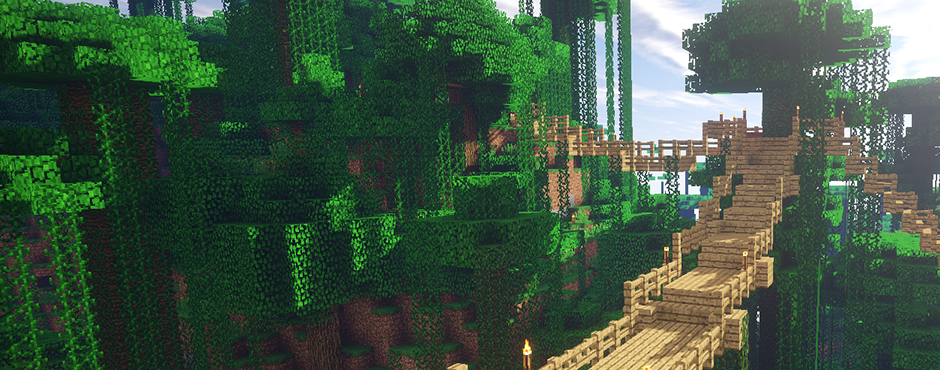
How to Make Minecraft Show in Steam

For at least a year, we’ve been trying to figure out how to get Minecraft to show up in Steam’s friend list. The problem was that adding the exe normally as a non-Steam game resulted in a green “now playing” for a few seconds before returning the user’s status back to the blue “Online”. We have finally discovered a method, using both the Minecraft exe and the jar file, and have documented it below.
IMPORTANT
- This issue affects users with Java 64-bit installed on their PC.
- Do not use this walkthrough if you are running only Java 32-bit – it will actually give you this issue. Add the exe normally as a non-Steam game, i.e. stop at step 2 below.
- This is not for getting the in-game overlay to work properly. Steam overlay just does not like Minecraft; it will usually not function at all and may even lock up or crash your game.
1. Downloading the Minecraft exe and jar files
- Go to the Minecraft download page here.
- Download Minecraft.exe in the “Minecraft for Windows” section.
- Click the small link “Show all platforms” under the “Minecraft for Windows” section.
- Download minecraft.jar in the “Minecraft for Linux / Other” section.
- Move the two files into the folder you want to run Minecraft from.
2. Adding Minecraft to your Steam games library
- Open your Steam library.
- Click “ADD A GAME…” in the bottom left of the window.
- Click “Add a Non-Steam Game…”
- Click “BROWSE…” and locate the folder with the two files.
- Click on Minecraft.exe and press Open. Minecraft should now be checked in the Add a Game window.
- Click “ADD SELECTED PROGRAMS”. Minecraft should now be in your Games list.
3. Using the jar file to launch Minecraft and fixing the icon
- Scroll down the Games list and locate Minecraft.
- Right-click Minecraft and click Properties.
- Click “CHOOSE ICON…” at the top.
- Click Minecraft.exe and press OPEN. The icon should now have a shortcut arrow.
- Under Target, change “…\Minecraft.exe” to “…\minecraft.jar” and click CLOSE.
You can now play Minecraft through Steam and show your friends what awesome game you are enjoying.
Troubleshooting
- If you get stuck at the white Mojang screen, navigate to “C:\Users\[account name]\AppData\Roaming\.minecraft\bin” and delete the jinput.jar file. (AppData is a hidden folder.)
- Double-check the Java version you have installed on your PC. Stop at step 2 if you only have Java 32-bit. Follow the entire walkthrough if you have Java 32 AND 64-bit OR if you have only Java 64-bit installed.
- Make sure that you have downloaded the files for the correct platforms.
- Make sure the two files are in the same folder.
- Make sure when adding a non-Steam game, to choose the exe and not the jar file.
- Make sure to choose the icon first before changing the target.
Tested using
· Internet Explorer 9, 32 and 64-bit (to download Java).
· Java, Version 6 Update 30, 32 and 64-bit.
· Java 32-bit only, Java 32 and 64-bit concurrently, and Java 64-bit only, with the exe and exe+jar files.
· Windows 7 OS, 64-bit.
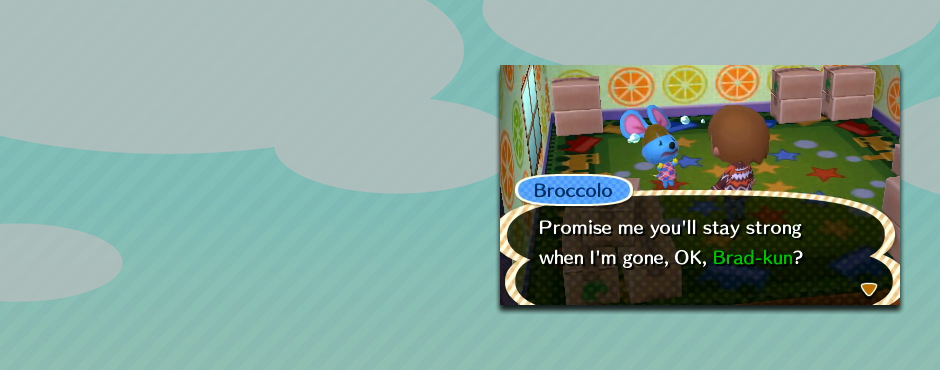
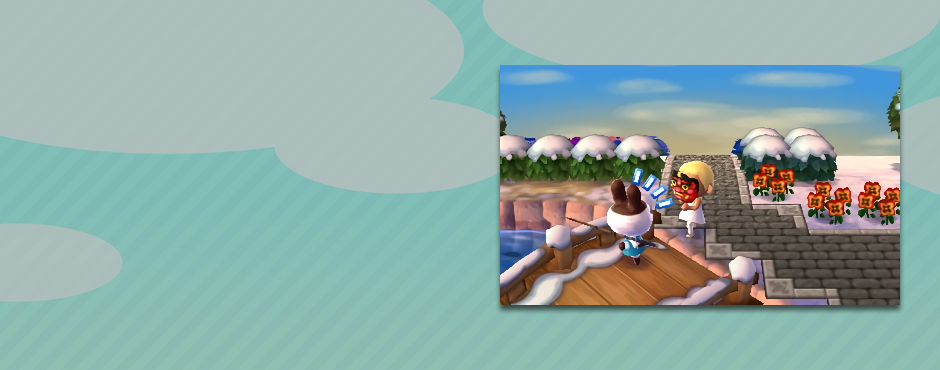
Animal Crossing 3DS New Info Go!
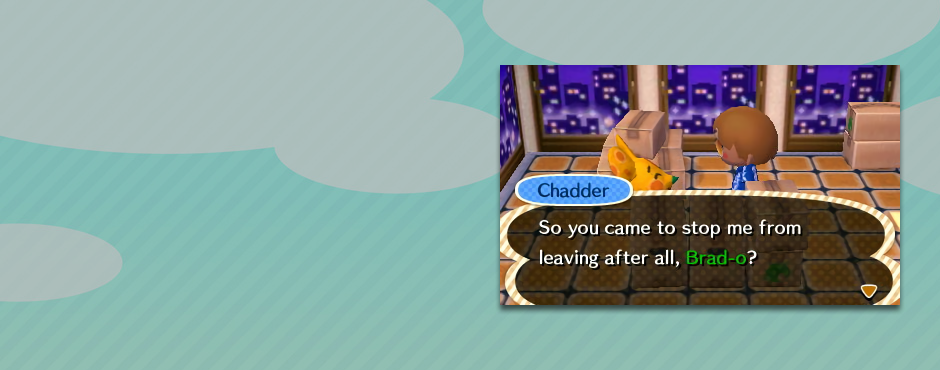
Yay! Finally, some new information about Animal Crossing 3DS came out today via a developer video from Japan. The video over ten minutes long, so for the tl;dw crowd, I will break down what we found out.
First, what we knew:
- You are the mayor of your village.
- The character following you in the previous video, we know to be your secretary.
- Character design is different. Characters are taller.
- Clothing now consists of a top and a bottom.
And what’s new:
- You can play in friends’ villages through local connection.
- As mayor, you can change the look of your village with things like benches and street lights.
- The village is much bigger and so is the beach.
- There is a shopping mall across the train tracks.
- Villagers have different body sizes. For example, the squirrels are small and the bears are big.
- You can now customize your furniture, i.e. changing the pattern of a sofa cushion.
- You can customize the outside of your house by changing the outer walls, fence and mailbox post.
- As part of Street Pass system, you will be able to trade your house design with complete strangers.
- These Street Pass homes will show up as model homes outside your village.
- Tom Nook will show up as a Real Estate agent managing these houses.
Random Shots: The Last Dump
It’s finally done – this is the last left over video bits from years of screwing around in Team Fortress 2. Not much more to say about it, but I think the music is good.
I’m really looking forward to my next (and last) TF2 video, no sarcasm intended.
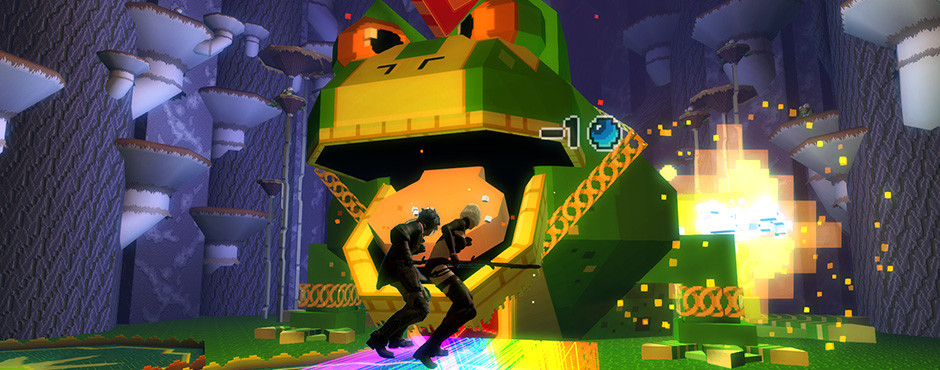
Farming as Fun

Can farming in games be fun or enjoyable? And when I say farming I’m not talking about games like Harvest Moon. I’m talking about farming as in playing a game with the sole intention to gain something by repeatedly performing some action. What is gained is most often loot but it can be currency or even something like increasing some game mechanic like attributes, traits, or faction. Farming methods can vary too. Most often it involves killing a single mob or groups of mobs continuously until you acquire your goal.
What got me thinking about farming was a post I saw on the Grim Dawn forums about whether farming was something that should be “curbed.” I understand why farming is perceived as something negative to gamers. The ones who don’t like it split mainly into two groups: those who think that any gameplay not intended by the developers is wrong and those who think farmers shouldn’t be able to get better/more stuff just because they have more time to spend. While I respect the first opinion, my response is usually, “you play your game your way, I’ll play mine my way.” The second argument has no ground to stand on. How is it any different spending my game time getting gear/xp by playing through the game “as intended” or just killing mobs in one area over and over? There is something to be said for games where there are limited amount of mobs to kill but I won’t go into that here.
Developers, in large part, have ignored farming. Occasionally, single player games that are loot driven, games like action-RPGs, will tweak mob drops or mob locations in patches. If they even mention it, they will often say that it took away from “the gameplay.”
ArenaNet, the developers of Guild Wars, took a more active and direct approach. Right after release of the game they implemented some code, often referred to as farm code, that reduced “the benefits of repeatedly farming a single location, quest, or other objective.” While how the code reduces drops is still contested, it’s confirmed that they do not affect the drops most wanted by players. This would be items like skill tomes, gold items, greens items and rare materials. They have said this was done to combat RMT gold selling.
While farm code mainly affected gold farmers, there was other changes ArenaNet implemented that did hurt your average farmer. They will often introduce new mobs with the express intent of stopping farming in a certain areas. At least twice they have introduced mobs to the Underworld to stop or slow the farming for Globs of Ectoplasm (Ecto). Ecto is used as an ingame currency and is also required for the most sought after armor in the game. The first mob introduced to the Underworld was Dying Nightmares. They only have 90 health, and all they do to the player is strip enchantments. This is a problem because most solo farm builds rely on enchantments. Over time, players found ways to get around the Dying Nightmares. So ArenaNet added Skeletons of Dhuum, which have skills that do damage which protection, blocking and damage-reducing skills cannot prevent.
So the question is, can farming be fun? To answer that, we first need to look at the different kinds of farming. To start off, we have what can be called gambling farming. An example of this would be killing all the bunnies, hoping for the super rare drop “Bun Bun Hammer of Unholy Destruction.” You could spend a week killing woodland creatures getting nothing and then suddenly, you have your hammer. The other kind of farming is often called grind farming. An example would be vanquishing a certain area in game to gain faction with another. Fast leveling where you’re killing large groups of mobs would also fall under this. This type of farming is defined by a steady gain. Gambling farming would be considered more fun by many just because of the payoff and how it feels like less of a grind because of the uncertainty of when or if the payoff will happen.

There is also a division of farming when is comes to solo versus group. Many gamers find group farming more enjoyable if for no other reason than the social aspect and being able to work together to obtain a goal. Solo farming has advantages as it can be done at anytime, not just when others are around and willing to help. Obviously, there are more rewards for time spent with solo farming.
One final thing to consider about farming is it often requires a higher skill level as compared to regular play. When fighting a large number or harder mobs at a faster pace, the chance of failure is greatly increased. Being able to farm mobs solo or with small groups that usually take full teams of eight to kill is highly rewarding in itself and most certainly fun.
The final answer would then have to be that farming can be fun and enjoyable. Farming with friends makes it even more so. While game developers can and will continue to adjust their games for imbalances caused by farming, people will continue to farm.